
How to Create a Bracket Challenge
Create a new BettorEdge bracket challenge, choose the tournament and payout structure, and open the invite flow to share it with participants.
Before you start
- •Sign in to your BettorEdge account before starting the setup flow.
- •Know which tournament bracket you want to use and how you want the payout structure configured.
Prerequisites
- •You need access to the Competitions section in BettorEdge.
- •This guide was captured on desktop web.
- 1
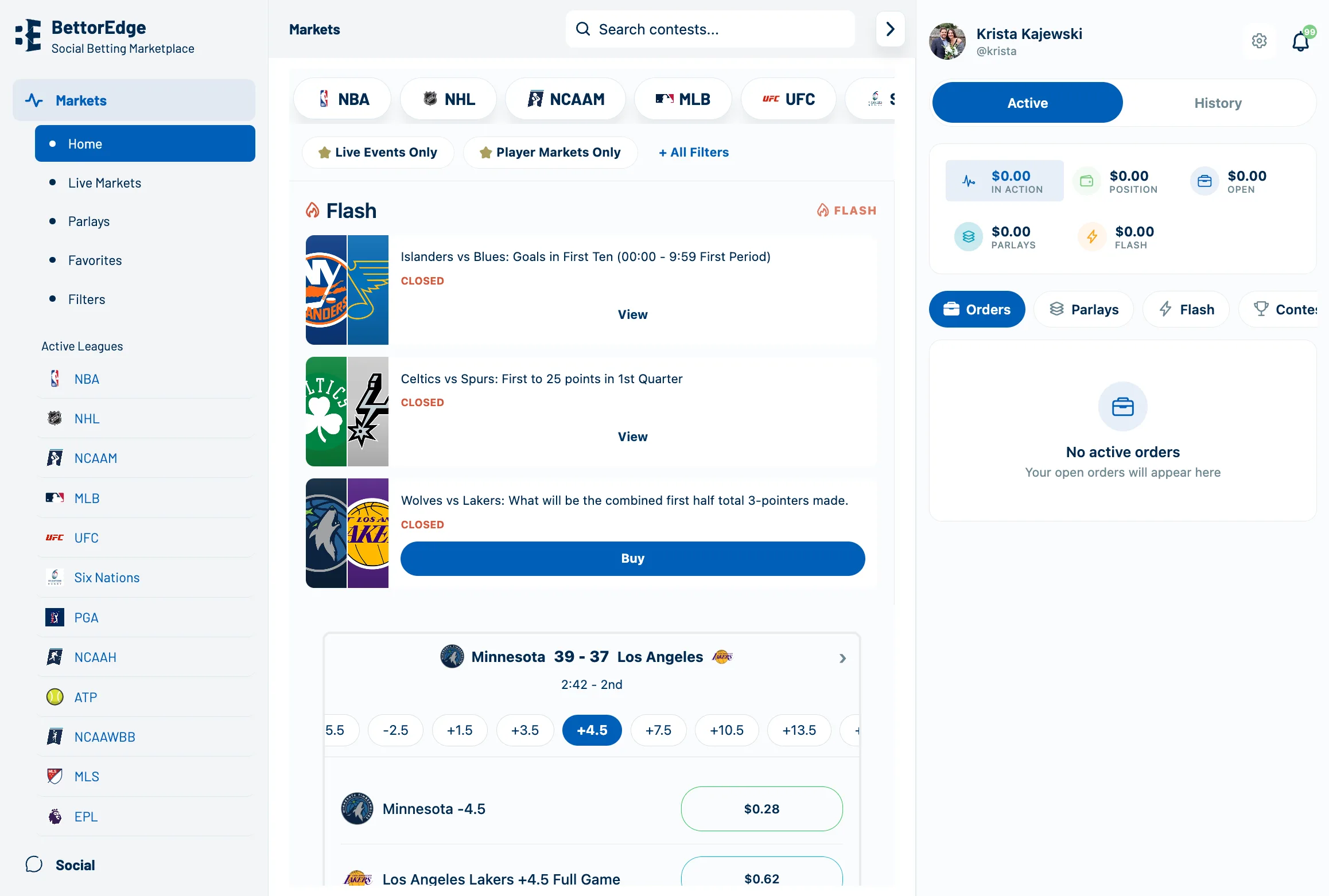
Open Competitions
From the main navigation, click Competitions.
- 2
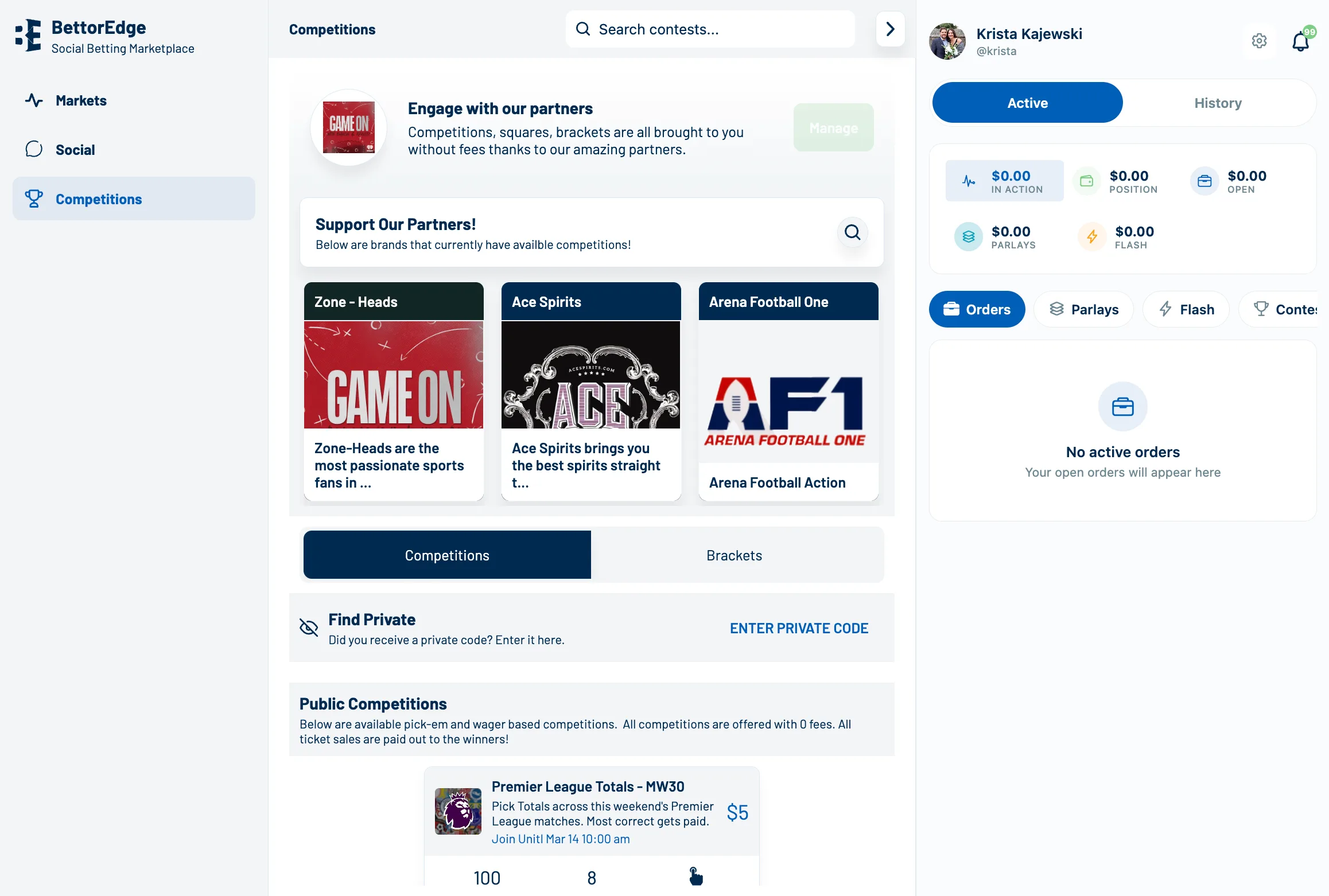
Open Manage
On the Competitions page, click Manage.
- 3
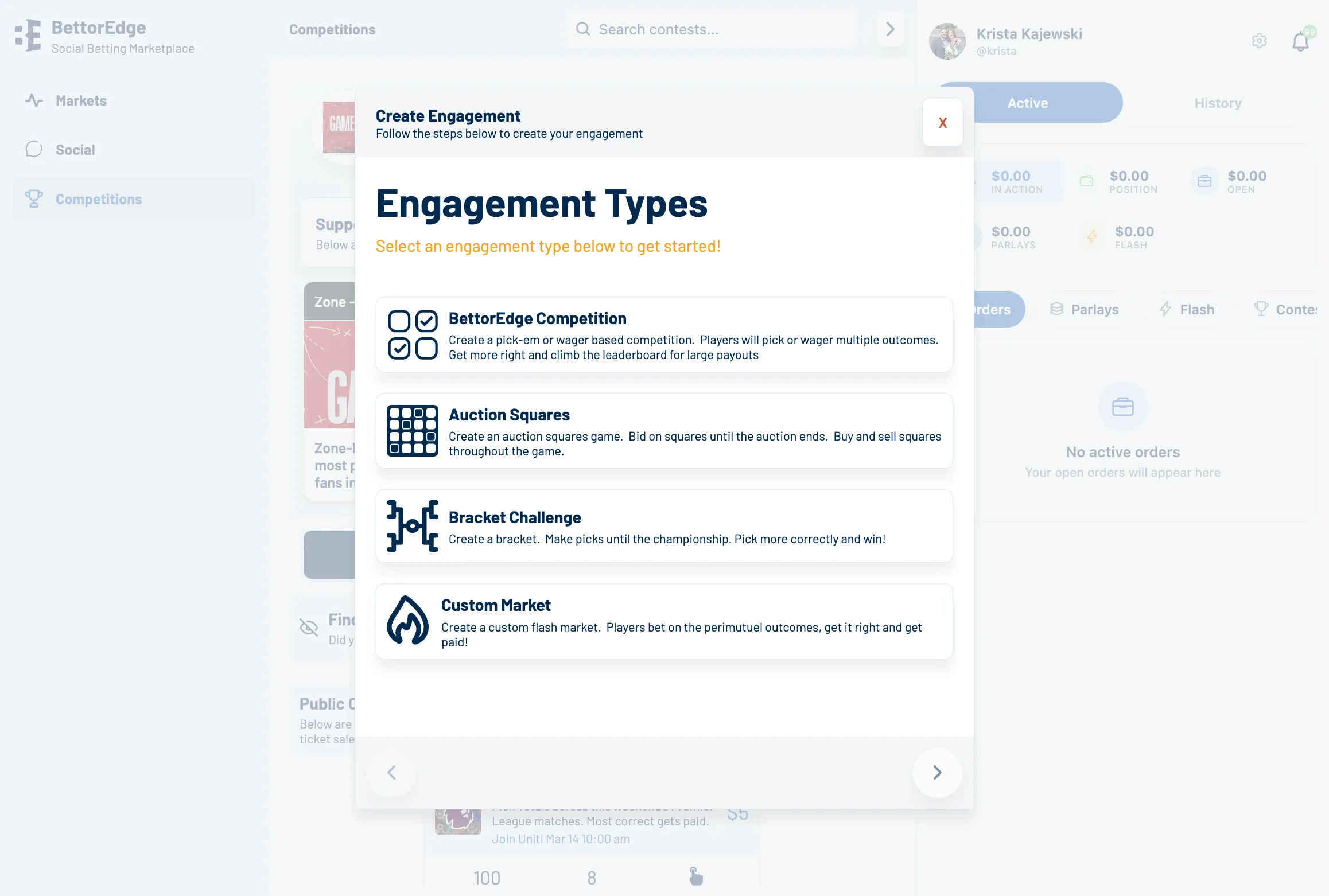
Start a new competition
Click Create New Competition, then click Get Started to begin setup.
- 4
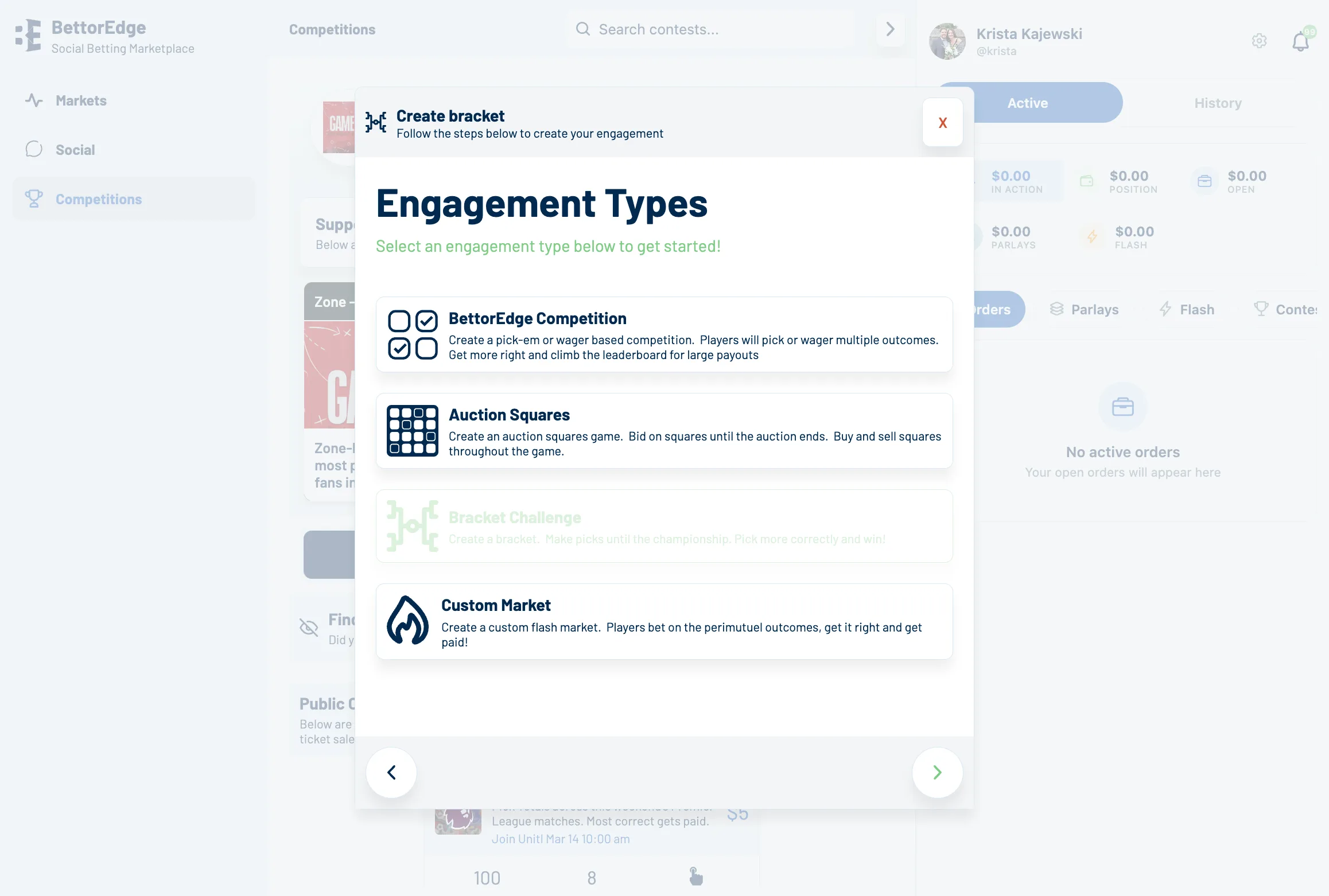
Choose Bracket Challenge
Select Bracket Challenge as the competition type.
- 5
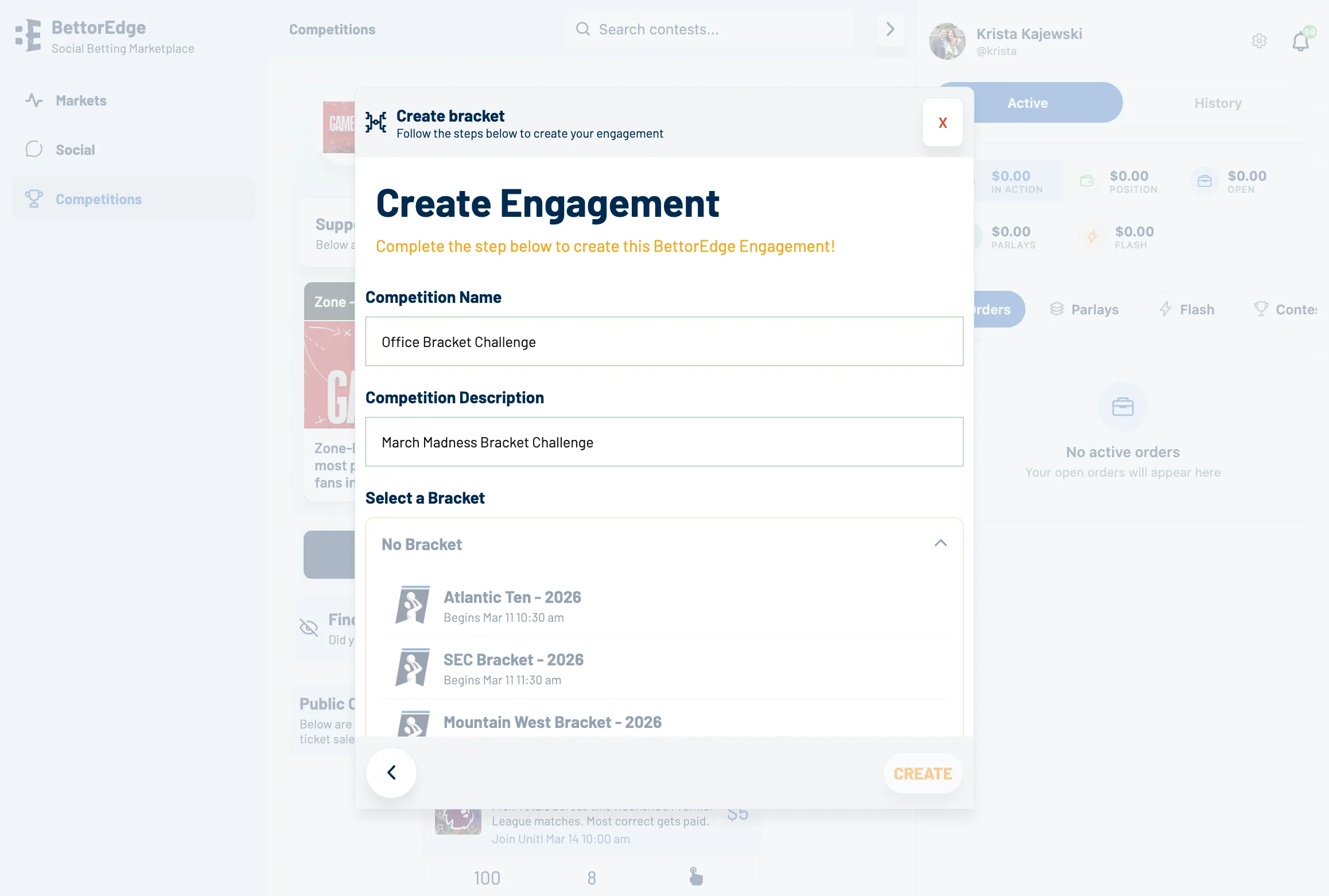
Enter a competition name
Type the name you want participants to see, such as March Madness Bracket Challenge.
- 6
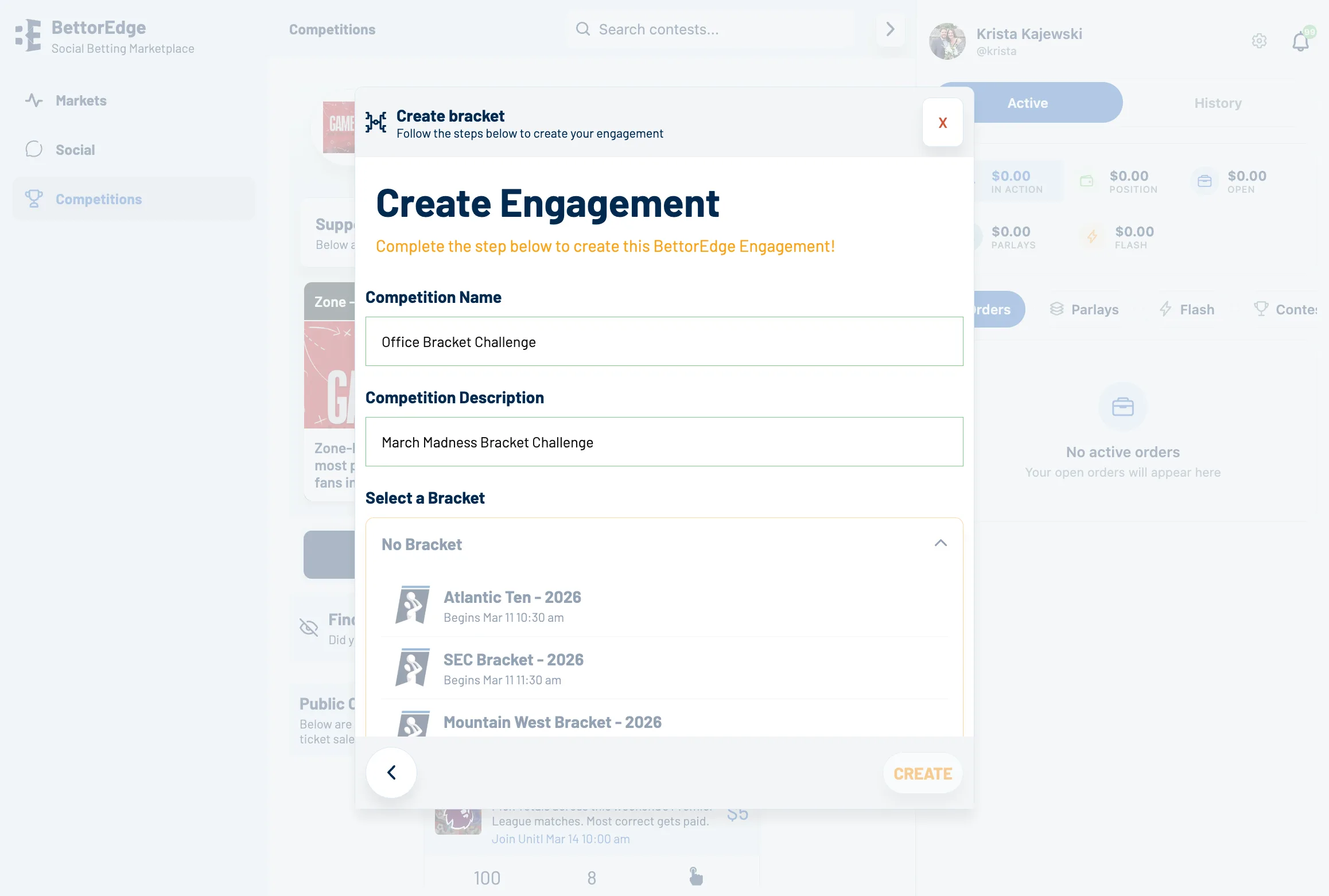
Select the tournament bracket
Click No Bracket, then choose the tournament bracket you want to use, such as Big East Tournament 2026.
- 7
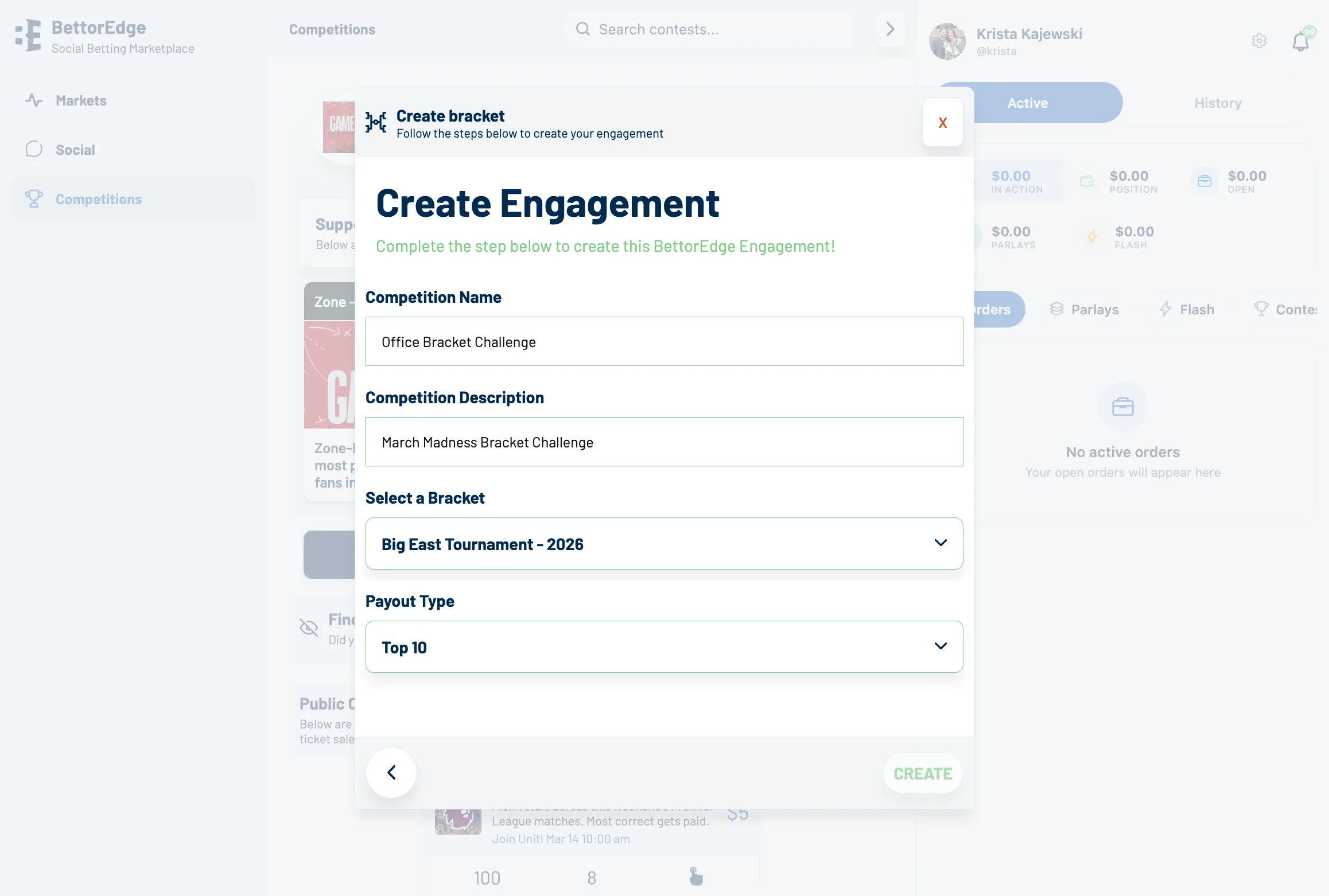
Choose the payout structure
Click Select Payout, then choose the payout option you want, such as Top 10.
- 8
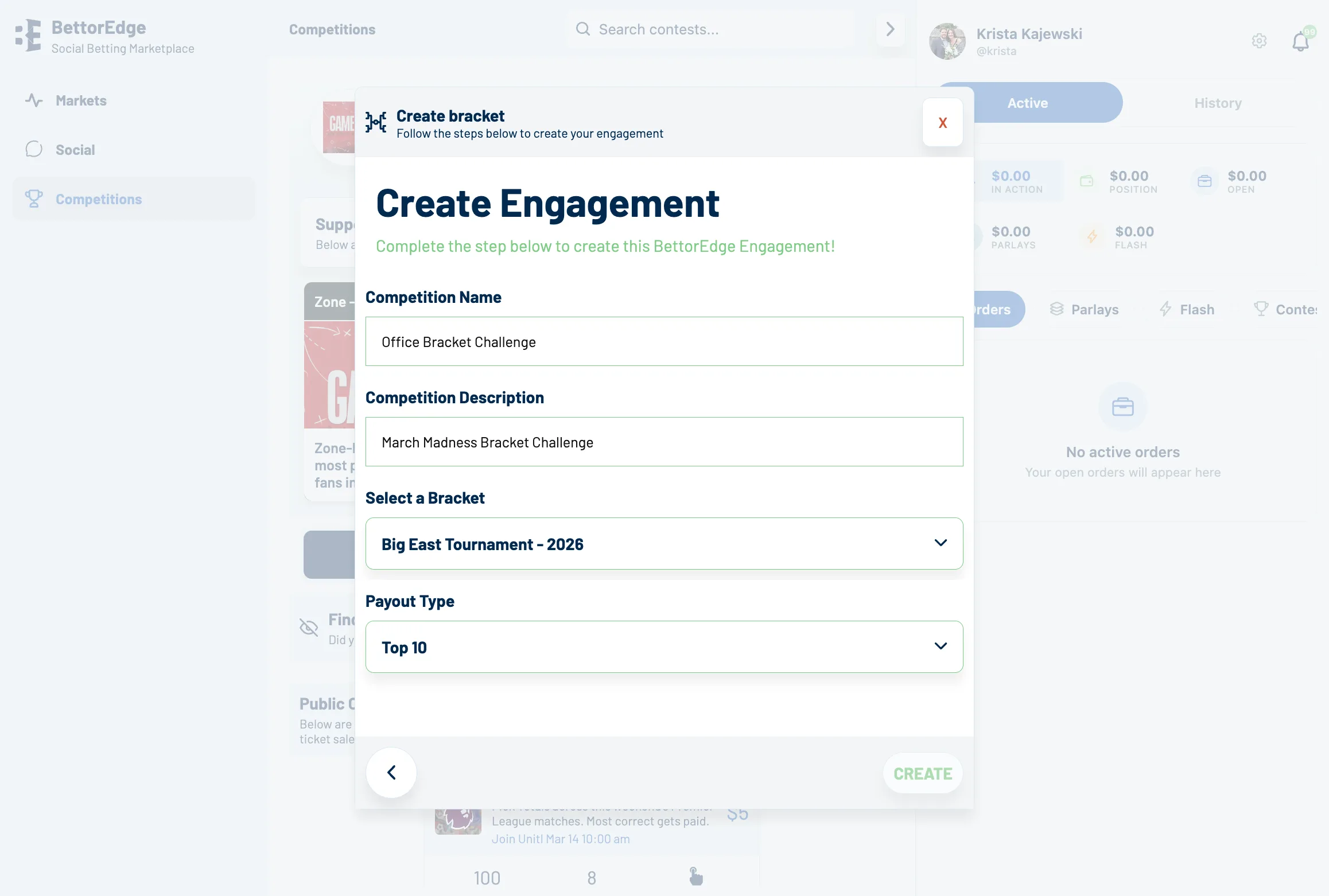
Create the competition
Review the setup details and click Create.
- 9
Open your new competition
After the competition is created, open the new competition page.
- 10
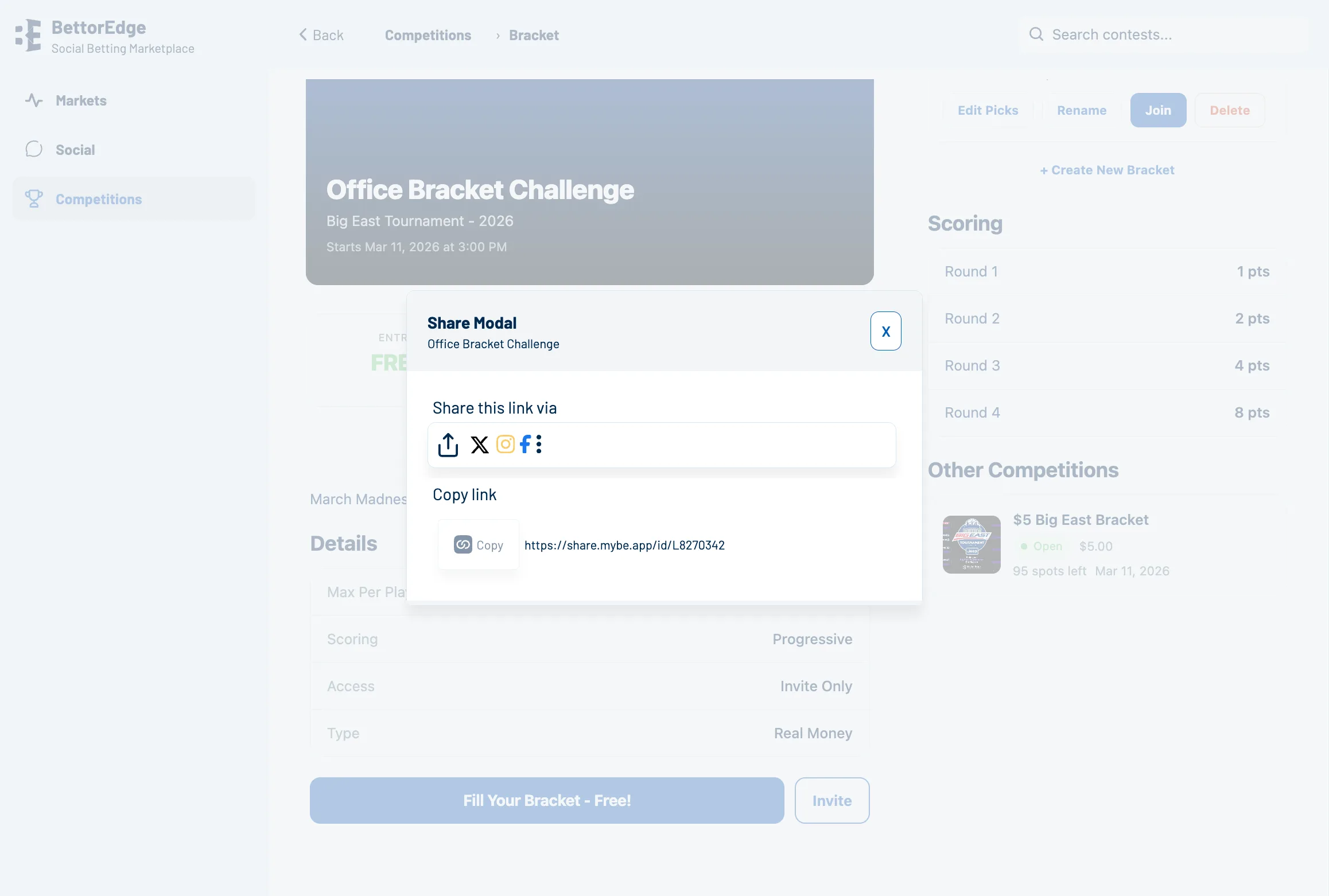
Open Invite
Click Invite to open the sharing flow for your new bracket challenge.
Tips
- •Use a competition name that participants can recognize immediately.
- •Double-check the bracket and payout options before you click Create.
Expected outcome
You will create a new bracket challenge and reach the invite flow so the competition is ready to share.
Try it on BettorEdge.
Create your account and follow along in the app. Sign up for a shot at up to $100. No deposit needed.