
Competitions
How to Fill Out a Bracket Challenge
Follow each screen to fill out a bracket challenge on BettorEdge, pick your winners round by round, and join the competition.
Before you start
- •Make sure you are signed in with the correct BettorEdge account.
- •Keep one browser tab open for the full walkthrough.
Prerequisites
- •Be logged in to BettorEdge.
- •Use a desktop browser or mobile for this workflow. Desktop was used to capture this guide.
- 1
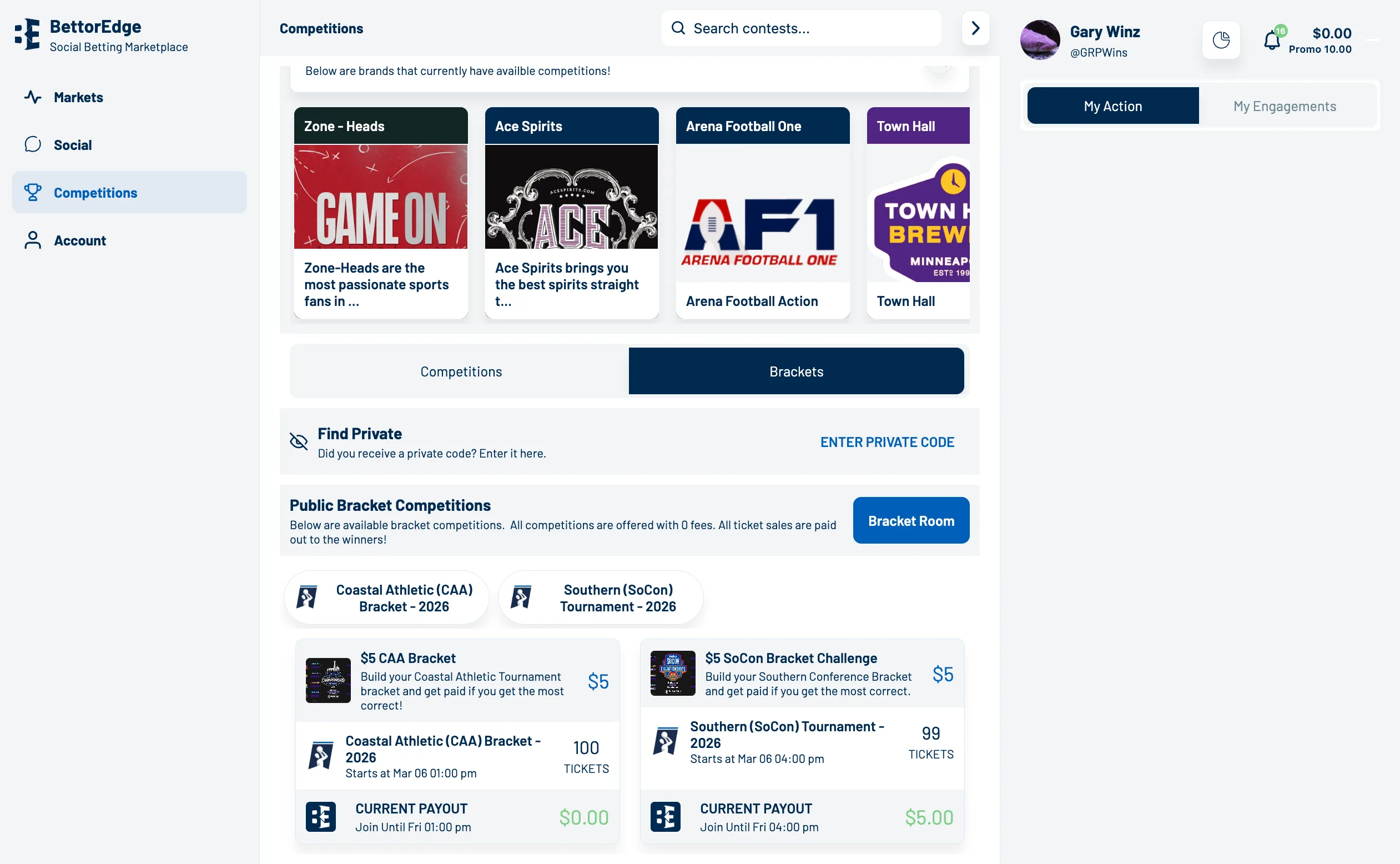
Navigate to your bracket challenge
Open the Bracket Challenge page from a shared link or from the Competitions section.
- 2
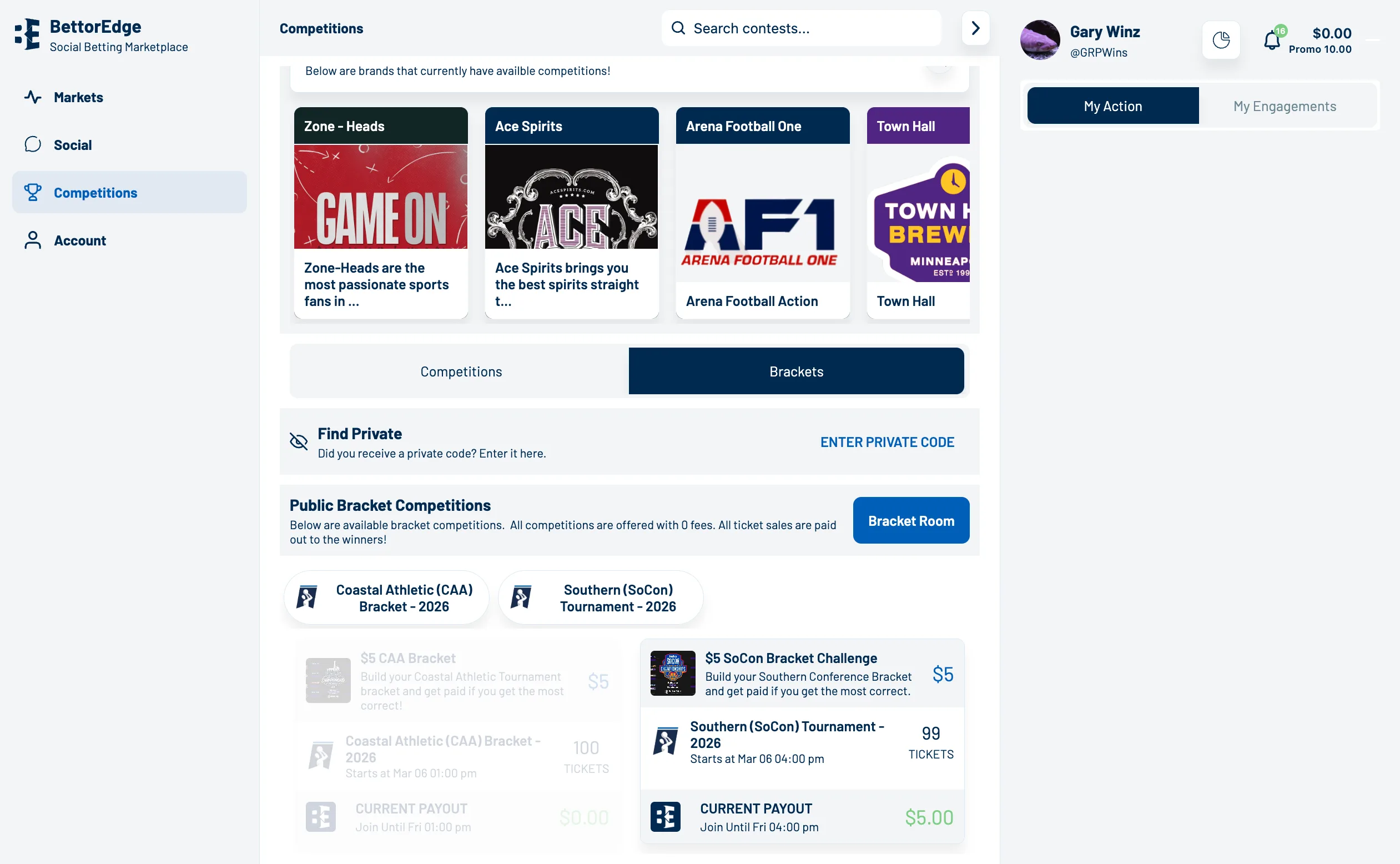
Select your available bracket competition
Click the bracket competition you want to enter.
- 3
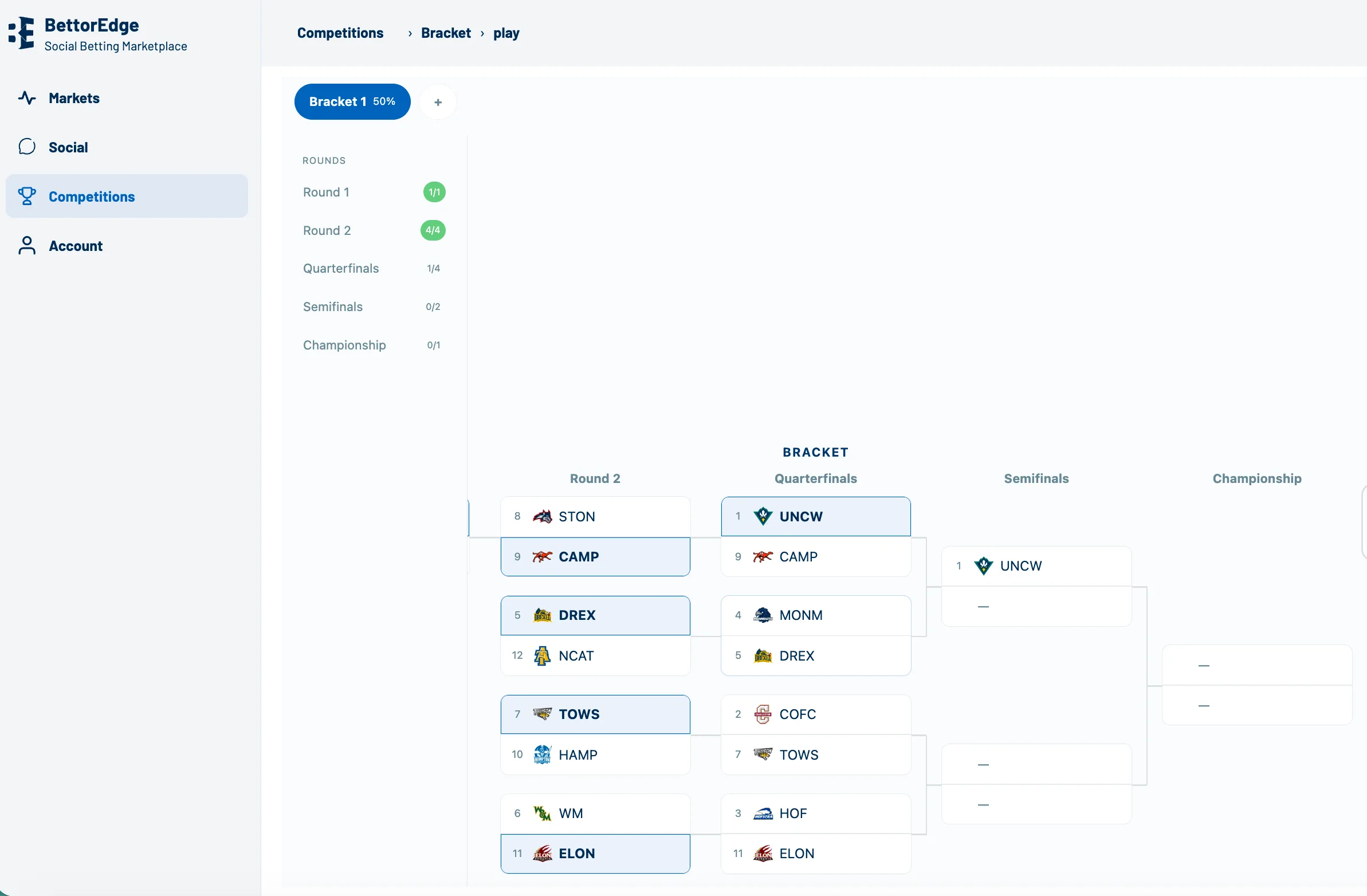
Select your winners for each round
Click the team you want to advance in each matchup until the bracket is complete.
- 4
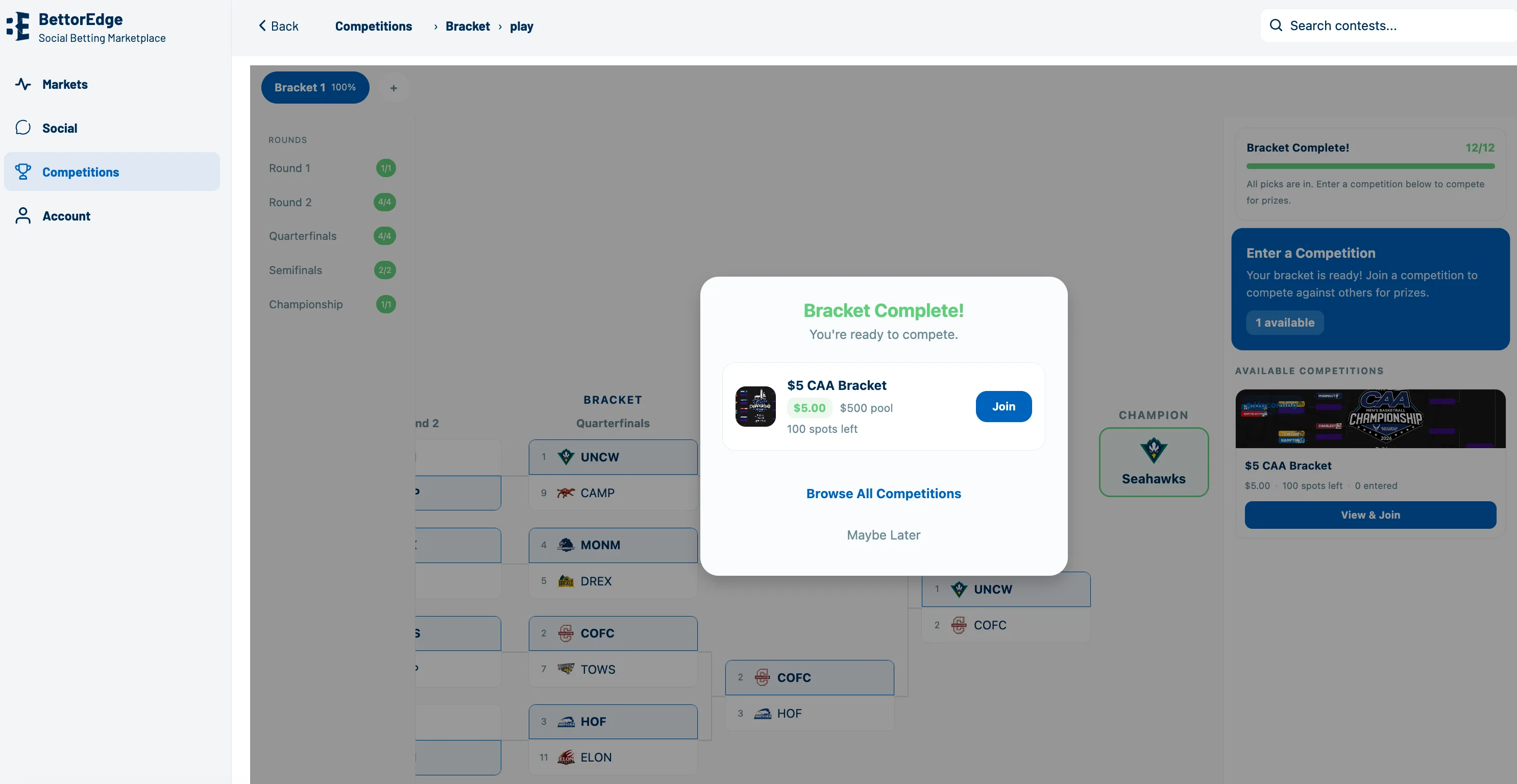
Click Join once your bracket is complete
Click Join to enter the competition, adding funds as needed, for your chance to win.
Tips
- •If a button label has changed, use the nearest equivalent option.
- •Verify the final screen matches the expected result before sharing.
Expected outcome
You should complete your bracket in about 2 to 3 minutes.
Try it on BettorEdge.
Create your account and follow along in the app. Sign up for a shot at up to $100. No deposit needed.